Εκπαιδευτής
QX ΠΑΓΚΌΣΜΙΑ ΑΚΑΔΗΜΊΑ ΥΓΕΊΑΣ
Εκπαιδευτής
QX ΠΑΓΚΌΣΜΙΑ ΑΚΑΔΗΜΊΑ ΥΓΕΊΑΣ
ΔΕΝ ΕΓΓΡΑΦΕΤΑΙ
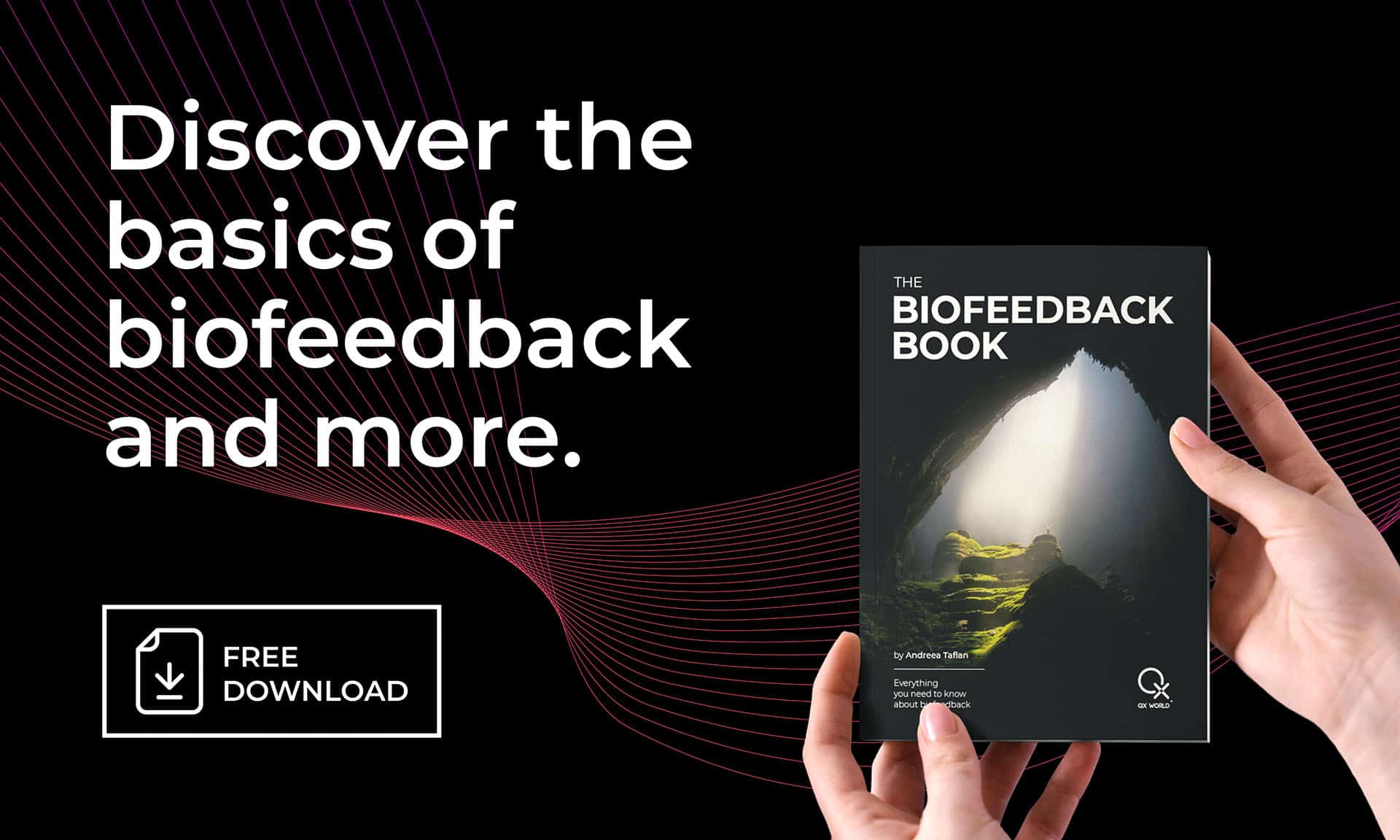
Immerse yourself in a brand-new visual, enriched with updated content, essential tips, a vast expanse of reading material, and vital information, all elegantly presented in a beautiful design, guiding you towards holistic wellness.
This will create a free ByteBooks account you can use to access your books
You will need to use the Adobe Digital Editions reader app to view your books.
Download Digital Edition Windows
Download Digital Edition Macintosh
For more device options, please visit Adobe Digital Editions download page.
Βεβαιωθείτε ότι δεν έχετε επιλέξει Εγκαταστήστε το MacAfee Antivirus κατά τη διαδικασία εγκατάστασης, αυτό το πρόγραμμα προστασίας από ιούς δεν είναι συμβατό με το λογισμικό μας.
After installing Adobe Digital Editions, open Adobe Digital
Editions, στη συνέχεια μεταβείτε στη Βοήθεια, επιλέξτε Authorize Computer και, στη συνέχεια, συνδεθείτε με το
your ByteBooks account login as created in STEP 1.
Ανακτήστε το αρχείο πρόσβασης στο βιβλίο σας μέσω του Λογαριασμού μου > μενού λήψεων. Αφού το κατεβάσετε, ανοίξτε το αρχείο ACSM με το Adobe Digital Editions για να αρχίσετε να απολαμβάνετε το βιβλίο σας.