Instructeur
QX ACADÉMIE MONDIALE DE LA SANTÉ
Instructeur
QX ACADÉMIE MONDIALE DE LA SANTÉ
NON ENREGISTRÉ
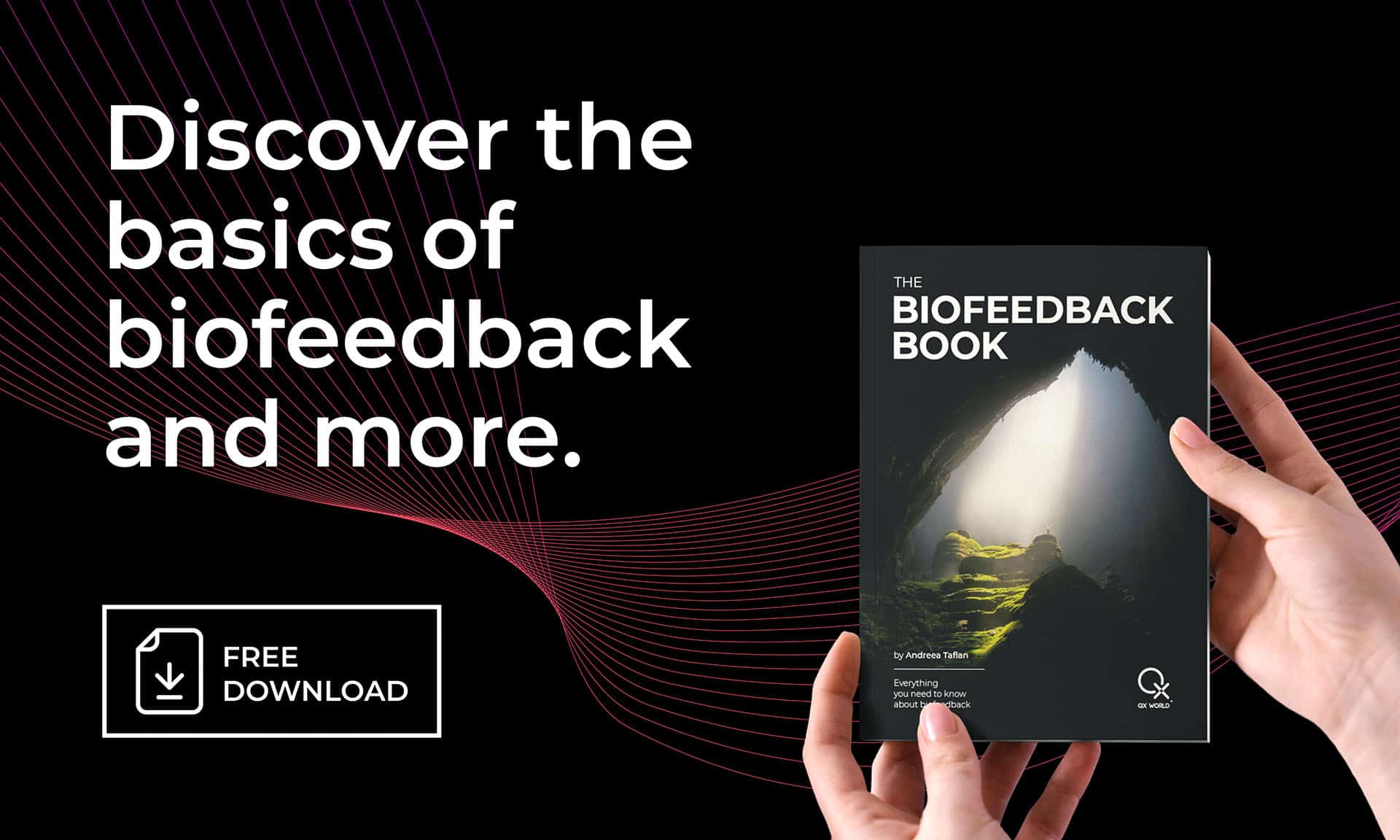
Immerse yourself in a brand-new visual, enriched with updated content, essential tips, a vast expanse of reading material, and vital information, all elegantly presented in a beautiful design, guiding you towards holistic wellness.
Cela créera un free ByteBooks account que vous pouvez utiliser pour accéder à vos livres
Vous devrez utiliser le Adobe Digital Editions reader app pour consulter vos livres.
Télécharger l'édition numérique Windows
Télécharger l'édition numérique Macintosh
Pour plus d'options d'appareils, veuillez consulter le site Page de téléchargement d'Adobe Digital Editions.
Veillez à ne pas sélectionner Installer MacAfee Antivirus pendant le processus d'installation, ce programme antivirus n'est pas compatible avec notre logiciel.
After installing Adobe Digital Editions, open Adobe Digital
Editions, puis aller dans Aide, sélectionner Autoriser l'ordinateur, puis se connecter avec
your ByteBooks account login as created in STEP 1.
Récupérez votre fichier d'accès au livre dans la rubrique Mon compte >. menu des téléchargements. Une fois téléchargé, ouvrez le fichier ACSM avec Adobe Digital Editions pour commencer à profiter de votre livre.