Instructeur
QX WERELDGEZONDHEIDSACADEMIE
Instructeur
QX WERELDGEZONDHEIDSACADEMIE
NIET INGESCHREVEN
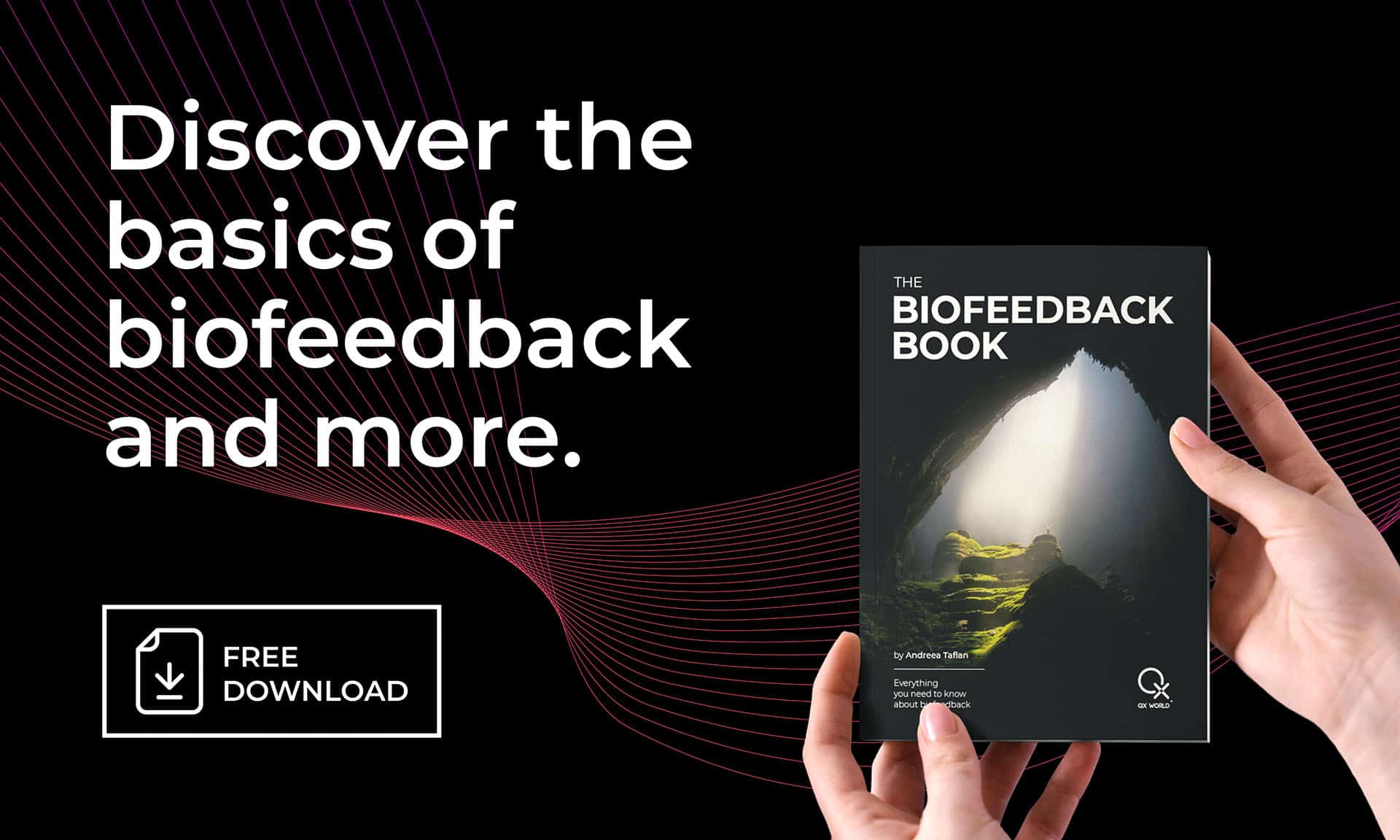
Immerse yourself in a brand-new visual, enriched with updated content, essential tips, a vast expanse of reading material, and vital information, all elegantly presented in a beautiful design, guiding you towards holistic wellness.
This will create a free ByteBooks account you can use to access your books
You will need to use the Adobe Digital Editions reader app to view your books.
Download Digital Edition Windows
Download Digital Edition Macintosh
For more device options, please visit Adobe Digital Editions download page.
Zorg ervoor dat u niet selecteert MacAfee Antivirus installeren Tijdens het installatieproces is dit antivirusprogramma niet compatibel met onze software.
After installing Adobe Digital Editions, open Adobe Digital
Edities, ga dan naar Help, selecteer Computer autoriseren en log in met
your ByteBooks account login as created in STEP 1.
Retrieve your book access file through the My Account > downloads menu. Once downloaded, open the ACSM file with Adobe Digital Editions to start enjoying your book.